
Stolen and reused passwords are still one of the easiest ways into a small business. The good news is that the fixes are simple, cheap and mostly a one-off job. This guide covers what your team should do with passwords today, why multi-factor authentication matters more than password rules, and where passkeys fit in.
Length beats complexity
Forget forcing staff to use “P@ssw0rd1!”. A long password is far harder to crack than a short, complicated one, and much easier to remember. The UK’s National Cyber Security Centre recommends using three random words, for example “TeapotRiverCandle”. Add a number or symbol if a system insists, but length is what counts.
Never reuse a password
When a website you’ve used is breached, criminals try the same email and password everywhere else, including your Microsoft 365 account. Every account needs its own password, and your email password in particular should be used nowhere else.
Use a password manager
Nobody can remember dozens of unique passwords, so don’t ask staff to. A business password manager creates and stores strong passwords, fills them in automatically and lets you share logins with colleagues securely, instead of on sticky notes or in a spreadsheet. When someone leaves, you can see which shared passwords they had access to and change them.
Turn on multi-factor authentication, starting with email
Multi-factor authentication (MFA) means a stolen password on its own isn’t enough to log in. It’s the single most effective thing you can do, and it should be switched on for every user, starting with:
- Microsoft 365 or Google Workspace email
- Online banking and payment systems
- Accounts, payroll and CRM software
- Remote access, VPNs and admin accounts
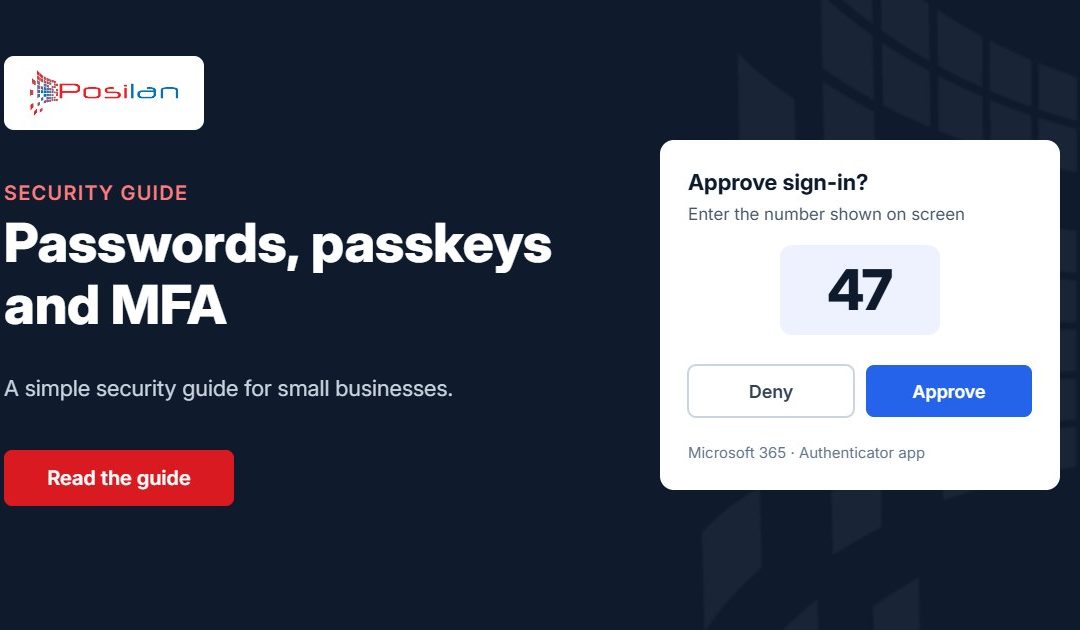
An authenticator app on the user’s phone is much safer than codes sent by text message. Number matching, where you type the number shown on screen into the app, also stops staff approving a login request they didn’t start.
Passkeys: the end of passwords?
Passkeys replace a password with your phone, laptop or a security key, unlocked with your fingerprint, face or PIN. There’s nothing for a phishing site to steal, so they’re far more secure. Microsoft, Google, Apple and a growing number of business apps now support them. Where a system offers passkeys, start using them, beginning with your most important accounts.
Stop forcing regular password changes
Making everyone change their password every 60 or 90 days tends to produce weaker passwords, like Summer2026 becoming Autumn2026. Current NCSC guidance is to change a password when there’s a reason to, such as a suspected breach or a member of staff leaving, not on a timer.
What to do if a password is leaked
- Change it straight away, and anywhere else the same password was used
- Check the account’s sign-in history and sign out all other sessions
- For email, check for forwarding rules or inbox rules you didn’t create, a common sign of a compromised mailbox
- Check whether your email address appears in known breaches at haveibeenpwned.com
- Tell your IT provider, especially if the account has access to company data
A simple checklist for your business
- MFA switched on for every Microsoft 365 user, including the boss
- A business password manager for all staff
- A written rule: no reused passwords, especially for email
- Passkeys turned on where your systems support them
- A leavers process that removes access and changes shared passwords the same day
If you’d like a hand putting this in place, it’s part of how we look after our managed IT clients. Book a free IT review and we’ll check your Microsoft 365 security settings, including MFA, for you. You can also try our free security and network tools.