
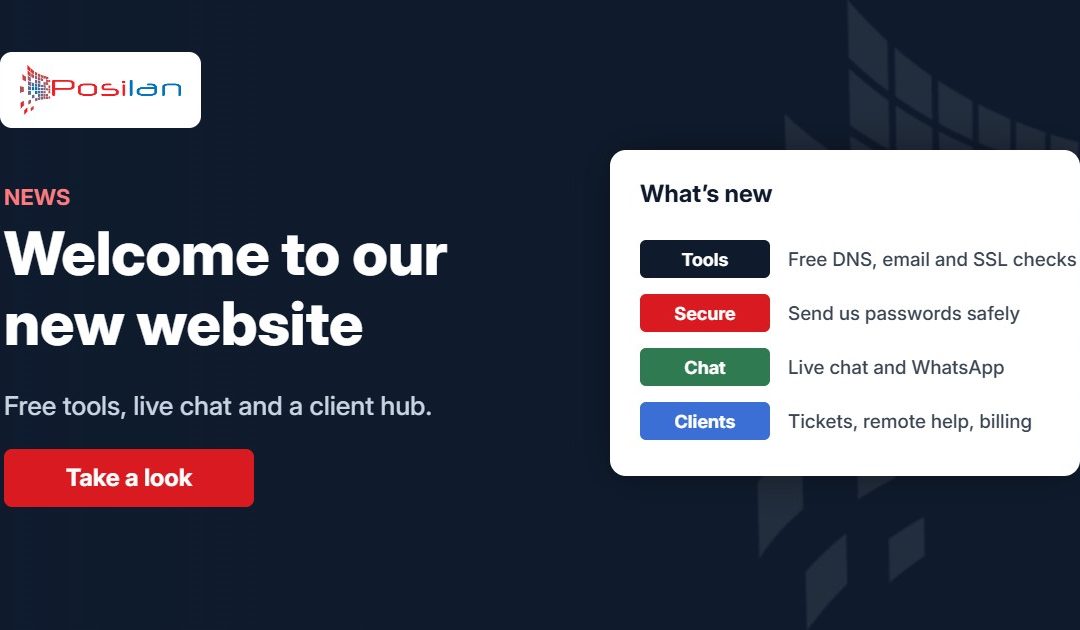
We’ve rebuilt posilan.com from the ground up. It’s easier to find your way around, and it brings together everything our clients use day to day, from support and remote sessions to invoices and service status, in one place. We’ve also added some free tools that anyone can use.
Here’s a quick tour of what’s new.
Everything for clients in one place: the Client hub
The new Client hub (the red button at the top of every page) is your starting point for anything account or support related:
- Support tickets: raise a new issue or check on an existing one with our service desk.
- Remote support: join a remote session when one of our engineers asks you to.
- Service status: check the live status of our hosting, email and network services.
- Account and billing: self-service hosting and domain customers can log in to manage services and pay invoices online. Managed IT clients are billed through Xero, and each invoice email has a link to view and pay it.
Free network tools
We’ve added a set of free network tools, the same quick checks our engineers use every day. You’ll find them under the wrench icon at the top of the page:
- What is my IP? shows your public IP address and its hostname.
- DNS lookup checks A, MX, TXT, NS and other records for any domain.
- WHOIS lookup shows who a domain is registered with and when it expires, or who owns an IP address.
- Email health check tests MX, SPF, DKIM and DMARC in one go, with plain-English advice on what to fix.
- Blacklist check sees whether your mail server is listed on Spamhaus, Barracuda and other spam blacklists.
- SSL checker checks who issued a website’s certificate, when it expires and whether it’s trusted.
- Open port checker tests whether a port, such as Remote Desktop or a VPN, is open on your own connection.
- Connection test checks whether a website, server or office connection can be reached from our network, and how quickly it responds.
If a result doesn’t make sense, give us a call and we’ll talk you through it.
A safer way to share passwords
Passwords should never be sent by email. Our new secure password page lets you send us a password, Wi-Fi key or login safely. It’s encrypted as soon as it reaches us, only our support team can open it, and it’s permanently deleted as soon as it’s been viewed. Anything not viewed within seven days is deleted automatically.
It works the other way too. When we need to give you a password, we’ll send you a secure one-time link. Open it, save the password somewhere safe, and the link stops working.
Live chat
Want a quick answer? Look for Live chat at the top of the page, in the footer or on our Contact page. It’s available Monday to Friday, 8:30am to 5pm, whenever one of the team is online.
Easier to get in touch
Our contact form now lets you choose who you need, whether that’s a new enquiry, existing client support or accounts, so your message goes straight to the right team. You can still call us on 0161 660 7471, Monday to Friday, 8:30am to 5:30pm.
Clearer services and areas
Each of our services now has its own page, from managed IT support and Microsoft 365 to connectivity and web hosting and domains. We’ve also added pages for the areas we cover across the North West, including Greater Manchester, Cheshire, Merseyside, Lancashire and Cumbria.
Tell us what you think
We hope you find the new site useful. If something isn’t working, or there’s a tool you’d like us to add, let us know.